Wondering how to convert mov to mp3? Simply use our mov to mp3 free converter to turn mov to mp3 and enjoy the audio from your favorite videos instantly.

Choose files or drag and drop files
Maximum file size 10 MB. Sign Up free for 100 MB limit + unlimited conversions.
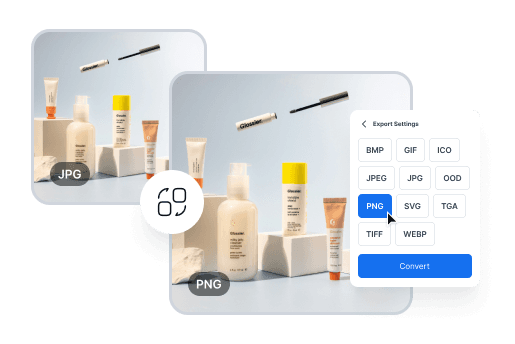
Effortless Image Conversion for Designers
Easily convert between image formats like JPG, PNG, and TIFF to meet design requirements. Perfect for creating web, print, and presentation-ready visuals in minutes.
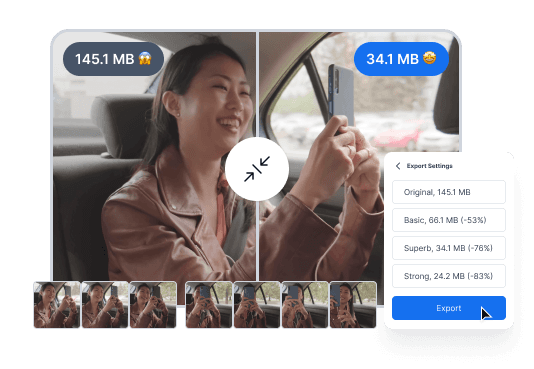
Convert Videos for Seamless Sharing
Quickly convert videos into more manageable formats for easy sharing or uploading, without compromising quality. Perfect for content creators and marketers who need to share or upload videos efficiently.
Simple Steps to Convert Your Files Effortlessly

Drag and drop your file, or click to upload from your device.

Select the output format from our wide range of options.

Click convert, then download your newly formatted file in seconds.
Easily convert videos to shareable formats without sacrificing quality – safe, fast, and browser-based.
MOV is a popular video file format developed by Apple. It’s commonly used for storing high-quality videos, movies, and short clips, especially on Macs, iPhones, and iPads. The full form of MOV is “QuickTime Movie”. MOV files are known for their excellent video clarity, but can be quite large in size.
MP3, short for MPEG-1 Audio Layer 3, is a popular audio format created by the Fraunhofer Institute in the early 1990s. It compresses audio files without losing much quality, making music and podcasts easy to store, share, and play on devices like phones, PCs, and music players.
MOV and MP3 serve very different purposes. MOV is a video file format that stores video, audio, and effects, ideal for editing. MP3 is an audio-only format, compressed for smaller file sizes and easy playback.
You can easily turn MOV to MP3 online with ConvertOption! Our free, fast MOV to MP3 converter lets you extract audio in seconds. No installation required.
Converting MOV to MP3 can slightly reduce audio quality because MP3 is a compressed format. But with the right tool, you can keep your sound crisp. Try our free MOV to MP3 conversion tool that preserves quality while making your audio portable and easy to enjoy!
You can easily get audio from MOV with ConvertOption, our free and fast MOV to MP3 converter. Just select your file, click convert, and instantly download your audio!
Absolutely! With ConvertOption, you can convert multiple MOV files at once for free. Turn your MOVs into MP3s in seconds using our free converter without any limits!
Converting MOV to MP3 on a Mac is super easy with ConvertOption! Just select your MOV file, click convert, and your MP3 is ready. It’s free, secure, and fast, perfect for turning videos into audio in seconds. Try now!
With ConvertOption, converting MOV to MP3 on your Windows PC is just a one-click process! Simply select your MOV file, hit convert, and enjoy your audio. Fast, free, and hassle-free—your media, your way!
For converting files of any format, ConvertOption is the best choice! A free, secure, and user-friendly converter that supports batch conversion. Just select your file, click convert, and your file is ready. Nothing to install, 100% free, no sign-up required for quick conversions.

You need to convert and download at least 1 file to provide feedback!
Start your 7-day free trial and get unlimited access to all ConvertOption tools to convert, compress, OCR, web apps and more.


 En
En