Convert images, videos, audio and documents directly in your browser. No software installation, no server uploads and no account required for supported free conversions.
🔒 Local processing · No file uploads · 50+ formats · No sign-up required
Choose files or drag and drop files
Maximum file size 10 MB. Sign Up free for 100 MB limit + unlimited conversions.


Convert files for the way you work
From photos and videos to documents, audio and e-books, ConvertOption gives you simple tools for getting files into the format you need.

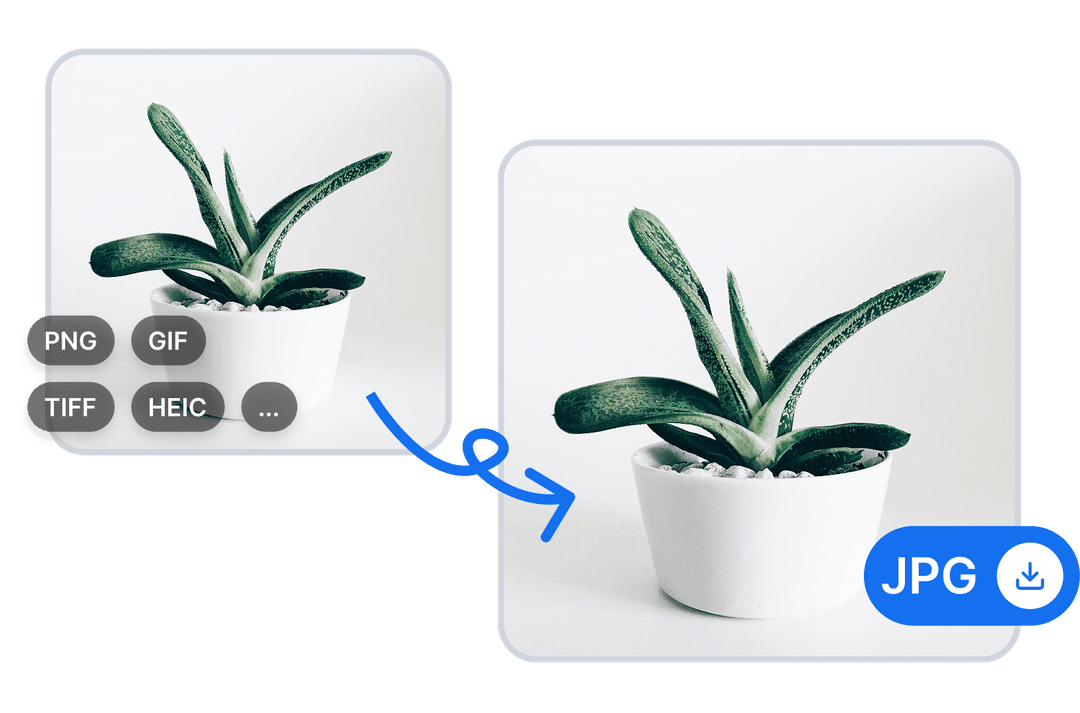
Image conversion for design and publishing
Convert JPG, PNG, HEIC, WebP, SVG and other supported image formats for websites, presentations, print and digital projects.
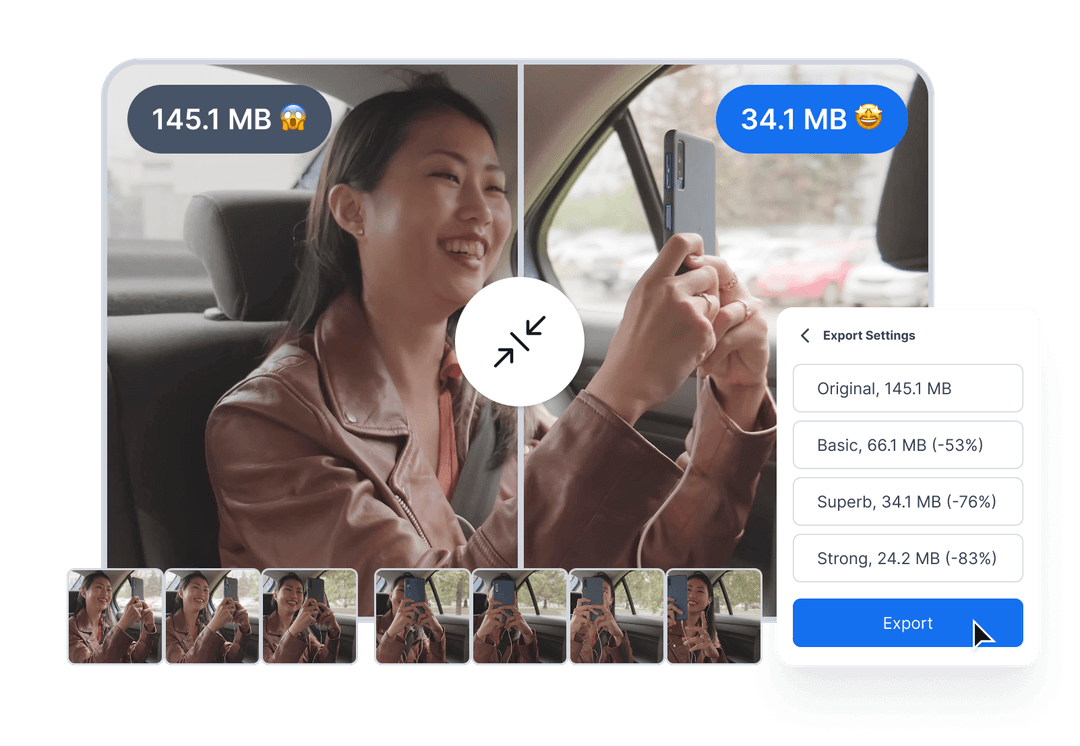
Video conversion for sharing
Convert supported video files into formats that are easier to share, publish and play across different devices and platforms.
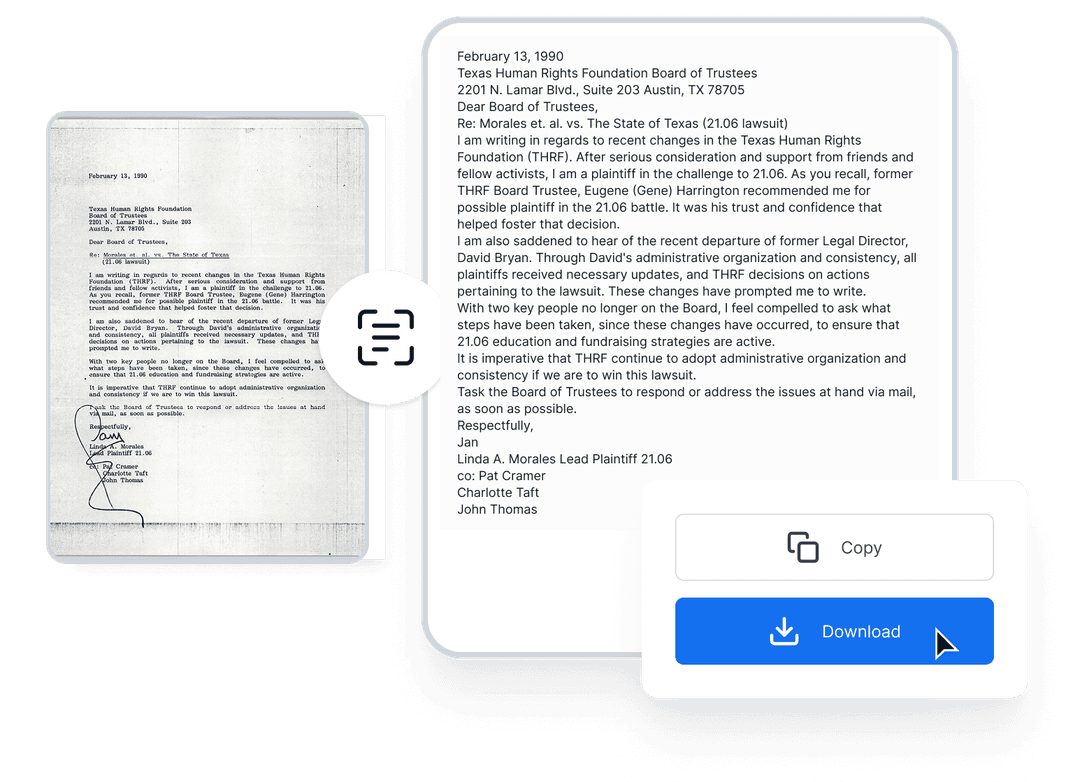
Extract text from scanned documents
Turn supported scanned documents and images into editable text with OCR when you need to search, edit or reuse existing content.
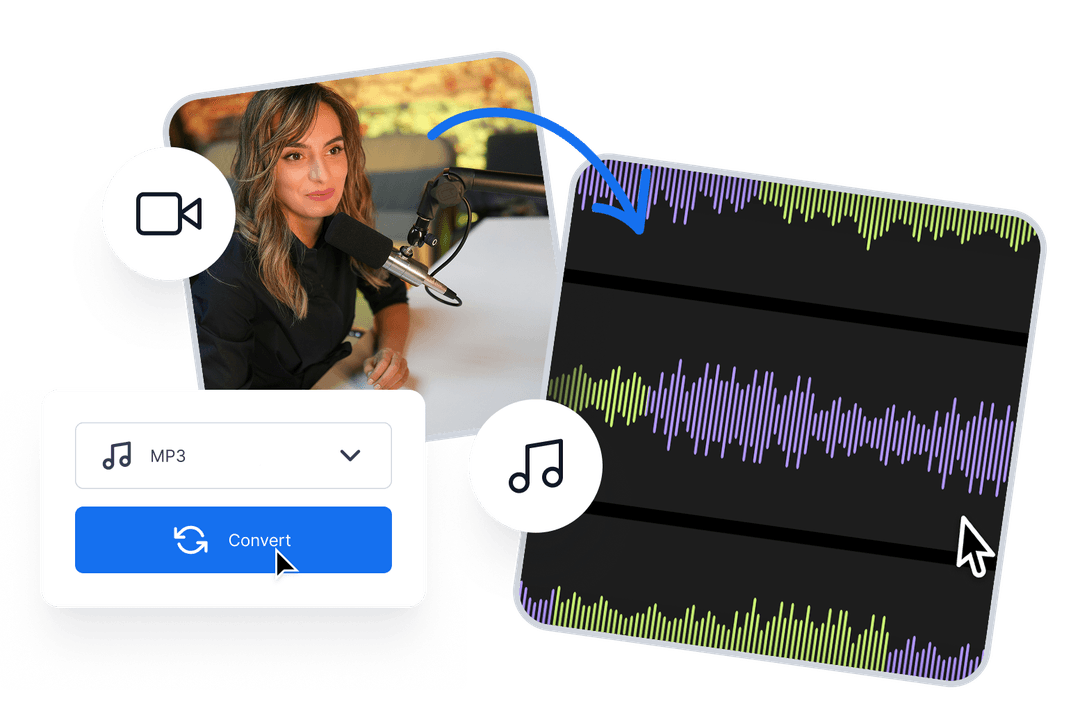
Convert audio for podcasts and media
Convert supported audio files into the formats you need for podcasts, recordings, editing and playback.
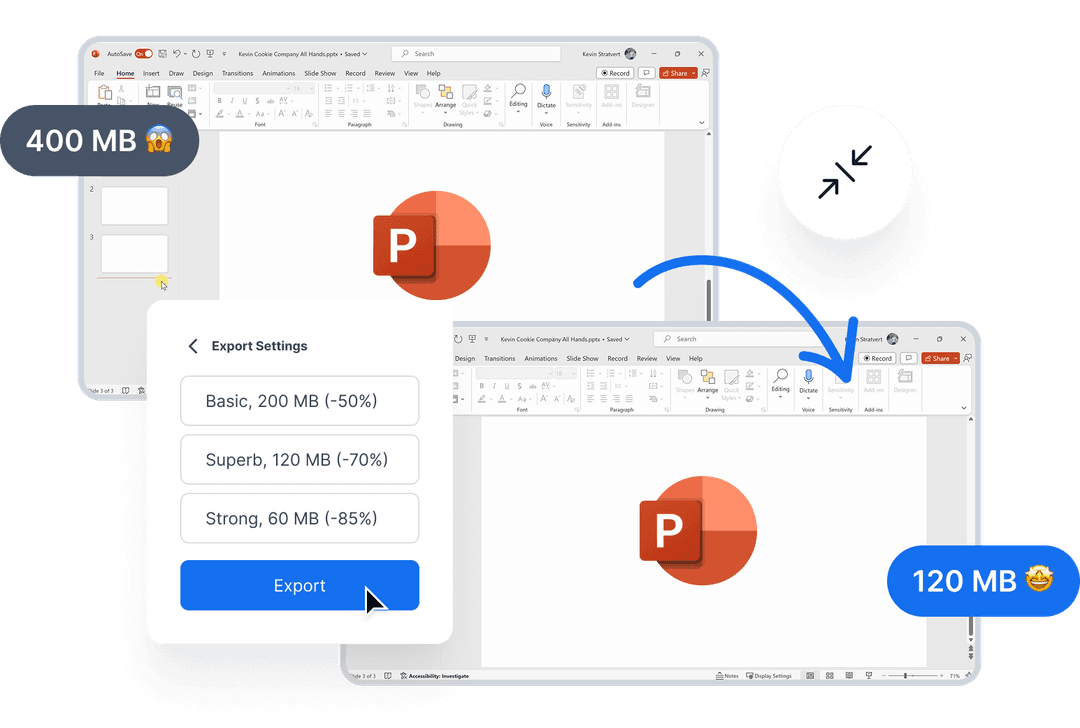
Prepare presentations and reports
Convert supported files into practical formats for sharing, editing and presenting your work.
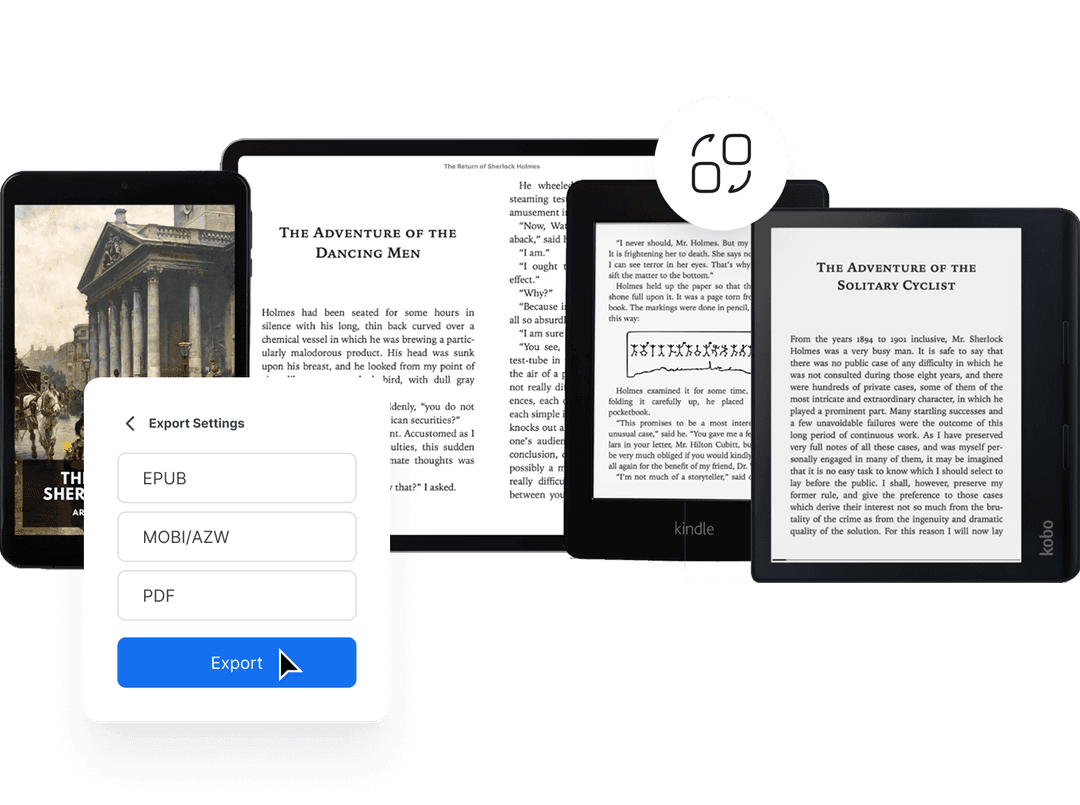
Convert e-books between formats
Convert supported e-book files into formats that work across different readers, devices and publishing workflows.
Experience Fast, Free, and Reliable File Conversion

ConvertOption uses the latest technologies so that you can get lightning-fast conversions and save precious time.

This free online tool has a simple and intuitive design that guarantees you a frictionless user experience.
Upload multiple files and then convert them at once. This can save you lots of time and effort than if you had to convert these one after the other.
The best thing about ConvertOption: it is fully browser based. That means you don't have to install any software to enjoy its great tools.
Convert images, videos, and documents just with the click of a button. ConvertOption offers specialized tools for each category.

We can't store or see your files as they are processed directly in your browser - no uploads to our server.
Get unlimited access to ConvertOption tools for you and your team with pricing that’s right for you.
 100% Money Back Guarantee
They already love our products 😍 you will also love, try for free
Join 200+ companies already growing






Frequently asked questions and answers
Start your 7-day free trial and get unlimited access to all ConvertOption tools to convert, compress, OCR, web apps and more.


 En
En
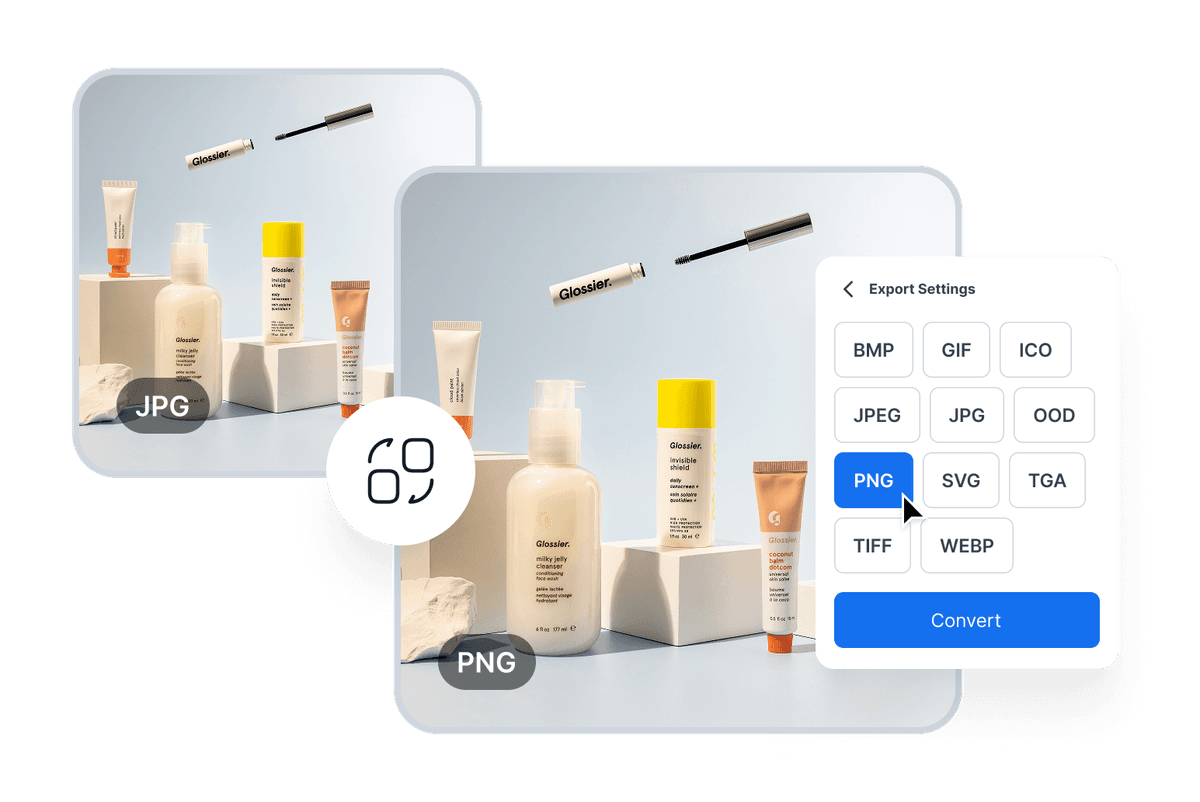
 Secure HEIC to JPG Converter


