You can convert HTML to MD instantly for free with our online tool. It is fast, reliable and everything you want your HTML to MD converter to be.

Choose files or drag and drop files
Maximum file size 10 MB. Sign Up free for 100 MB limit + unlimited conversions.
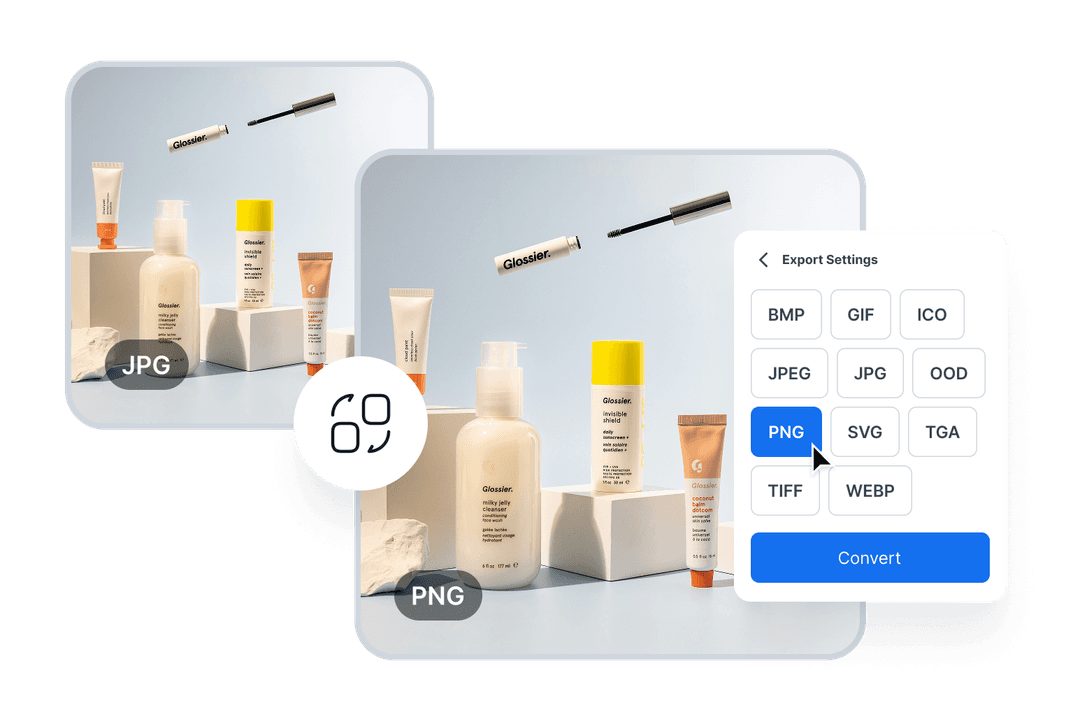
Effortless Image Conversion for Designers
Easily convert between image formats like JPG, PNG, and TIFF to meet design requirements. Perfect for creating web, print, and presentation-ready visuals in minutes.
Convert Videos for Seamless Sharing
Quickly convert videos into more manageable formats for easy sharing or uploading, without compromising quality. Perfect for content creators and marketers who need to share or upload videos efficiently.

Simple Steps to Convert Your Files Effortlessly
Drag and drop your file, or click to upload from your device.
Select the output format from our wide range of options.
Click convert, then download your newly formatted file in seconds.
Experience Fast, Free, and Reliable File Conversion

ConvertOption uses the latest technologies so that you can get lightning-fast conversions and save precious time.
This free online tool has a simple and intuitive design that guarantees you a frictionless user experience.
Upload multiple files and then convert them at once. This can save you lots of time and effort than if you had to convert these one after the other.
The best thing about ConvertOption: it is fully browser based. That means you don't have to install any software to enjoy its great tools.
Convert images, videos, and documents just with the click of a button. ConvertOption offers specialized tools for each category.

We can't store or see your files as they are processed directly in your browser - no uploads to our server.
Easily convert documents to formats like DOC, DOCX, PDF, TXT, RTF, and ODT – quick, safe, and fully browser-based.
HTML (HyperText Markup Language) is the standard language used to create and structure content on the web. It uses tags to define elements like headings, paragraphs, links, images, and other webpage components.
Markdown or MD is a plain text format used to write content with simple formatting syntax (like headings, bold, italics, lists, links). Markdown files are widely used for documentation, readme files, and content that can be easily converted to HTML.
Our HTML to MD converter is absolutely free to use. It is also fast, secure and converts accurately. Try it now.
ConvertOption's HTML to Markdown converter supports all HTML elements. So you get an accurate and complete conversion.
Ofcourse! Our HTML to MD converter works on mobiles, laptop and desktops alike. Whether you have an iPhone or Android our converter works perfectly.
When you use ConvertOption, your files are converted on your browser which means the HTML file does not even leave your device. This makes using ConvertOption a very safe choice as it ensures your HTML stays 100% secure and private at all times.
Yes, you can add images in an .MD file using specific syntax, either from a URL or local file.
You can use Markdown for quick, simple writing like documentation, notes, or readme files—it’s easy to write and read. On the other hand, you can use HTML when you need full control over webpage design, complex layouts, or interactive elements.
No, Word can’t open Markdown files directly, but you can convert it to DOCX or other compatible formats first.
Yes, Markdown is still popular for documentation, blogging, note-taking, and anywhere simple, readable formatting is needed.

You need to convert and download at least 1 file to provide feedback!
Start your 7-day free trial and get unlimited access to all ConvertOption tools to convert, compress, OCR, web apps and more.


 En
En